

SQL Server 2025 ships three backup compression algorithms — MS_XPRESS, QAT_DEFLATE, and ZSTD — and none of them is universally best. I built a small Windows tool that runs all of them against a real database side by side, so you can see the actual size, speed, and CPU trade-offs instead of guessing.
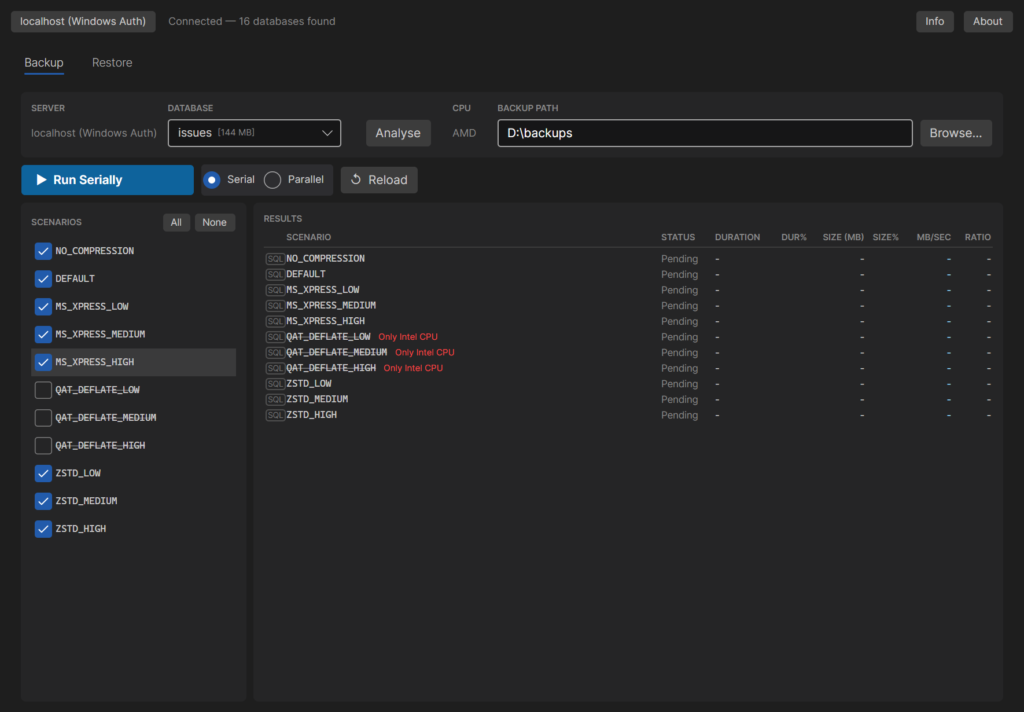
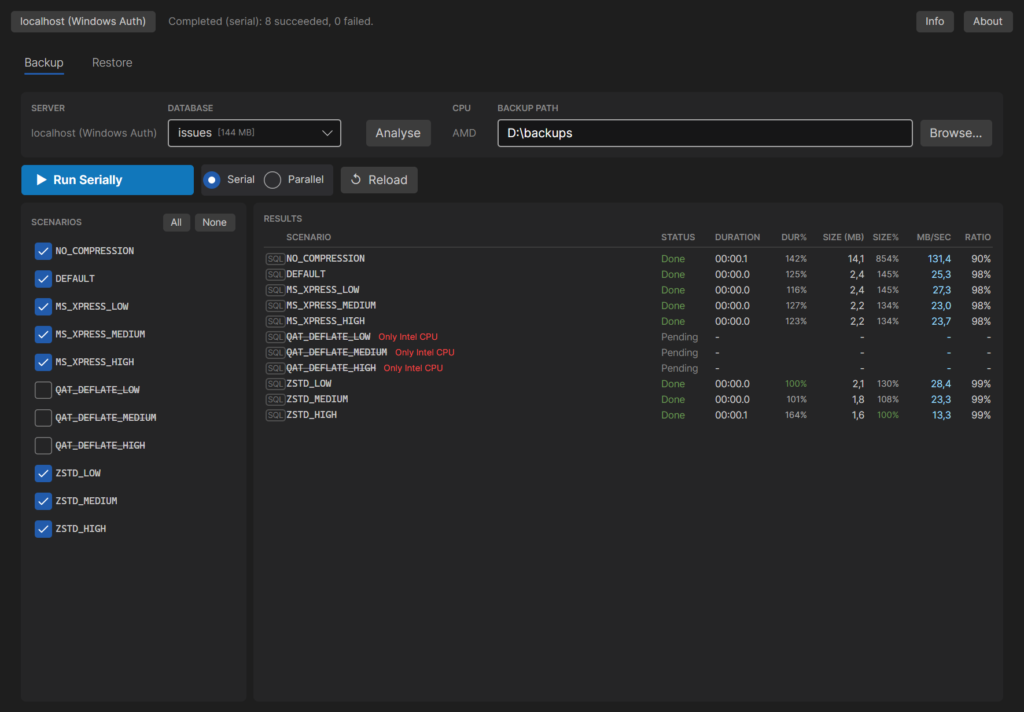
The Backup tab lists all 11 scenarios (every algorithm × compression level) with checkboxes, a live CPU check that disables QAT_DEFLATE on non-Intel hardware, and results shown side by side with the scenario list.
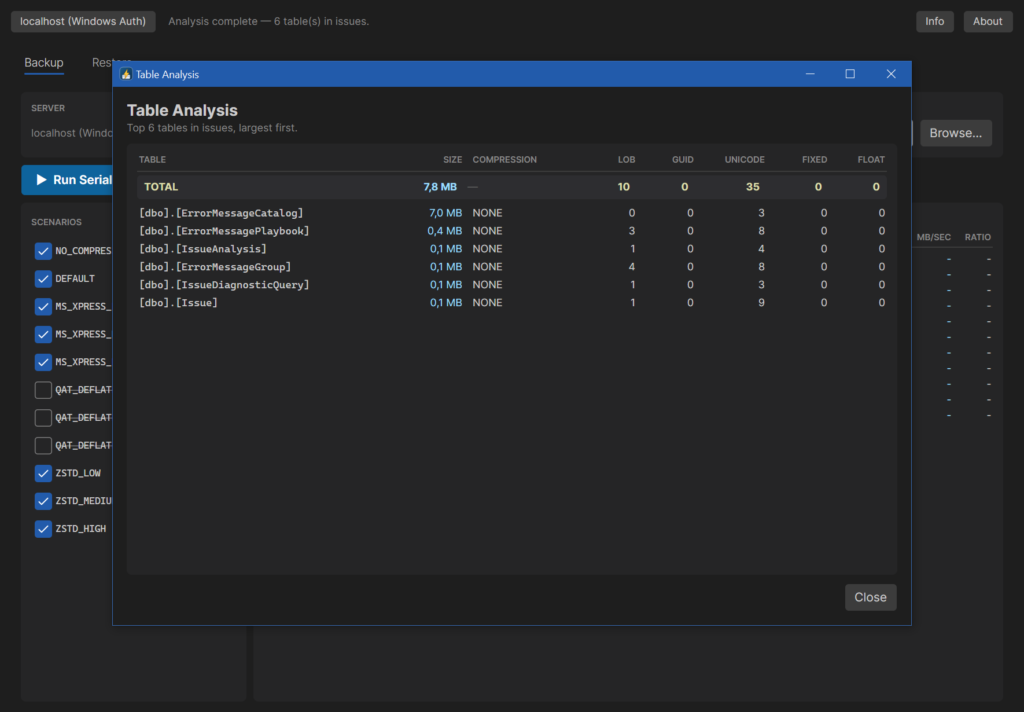
Before running anything, the Analyse button reports per-table size, existing storage compression, and the column types that help or hurt backup compression.
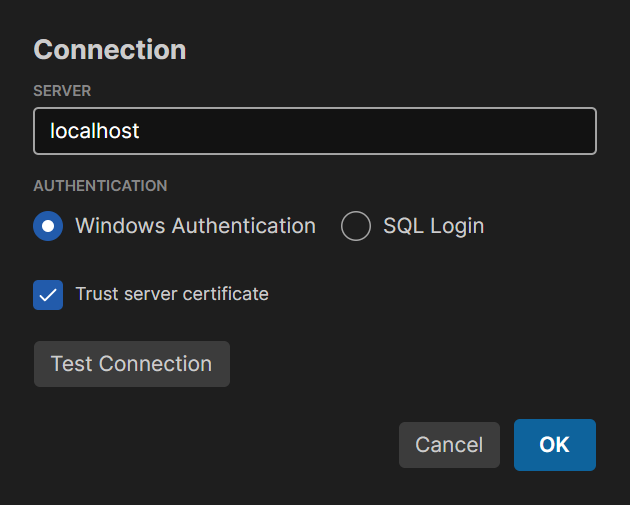
The Connection dialog points the app at any SQL Server instance, Windows or SQL login, with a one-click connection test.
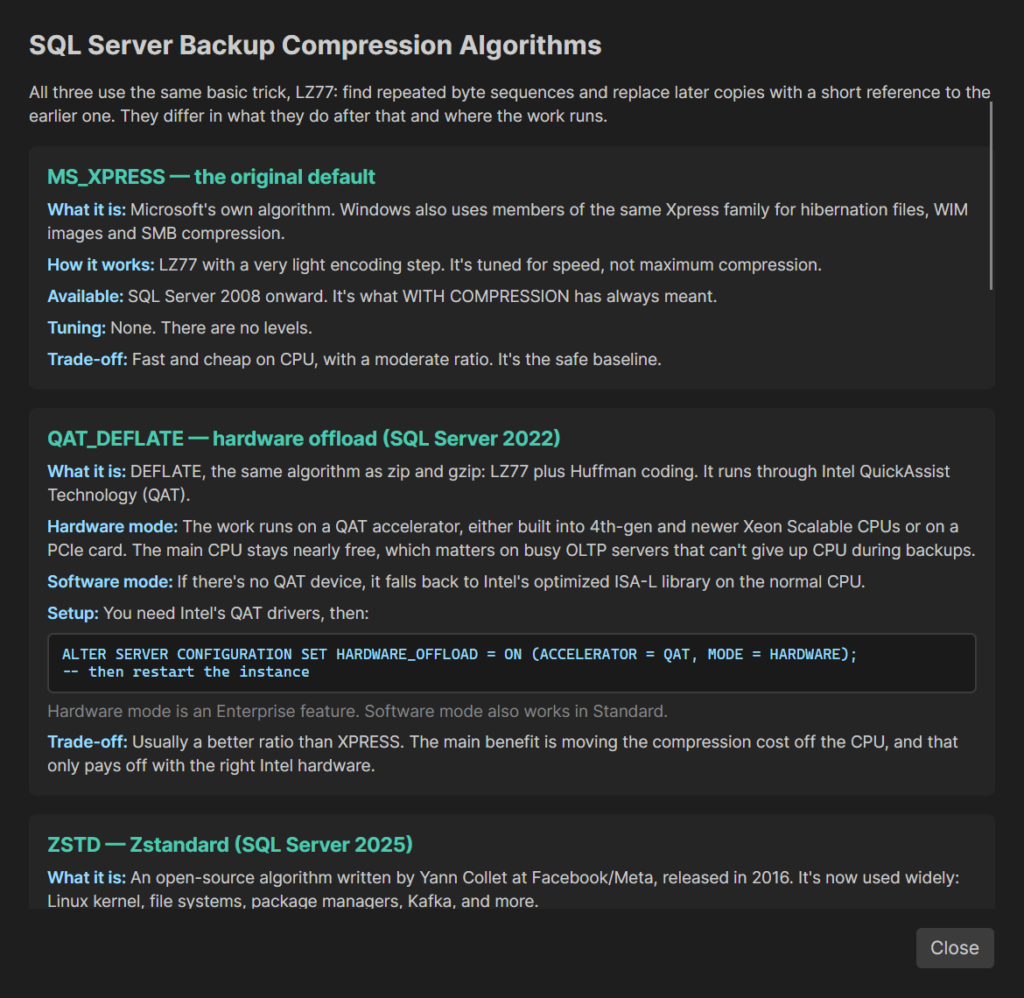
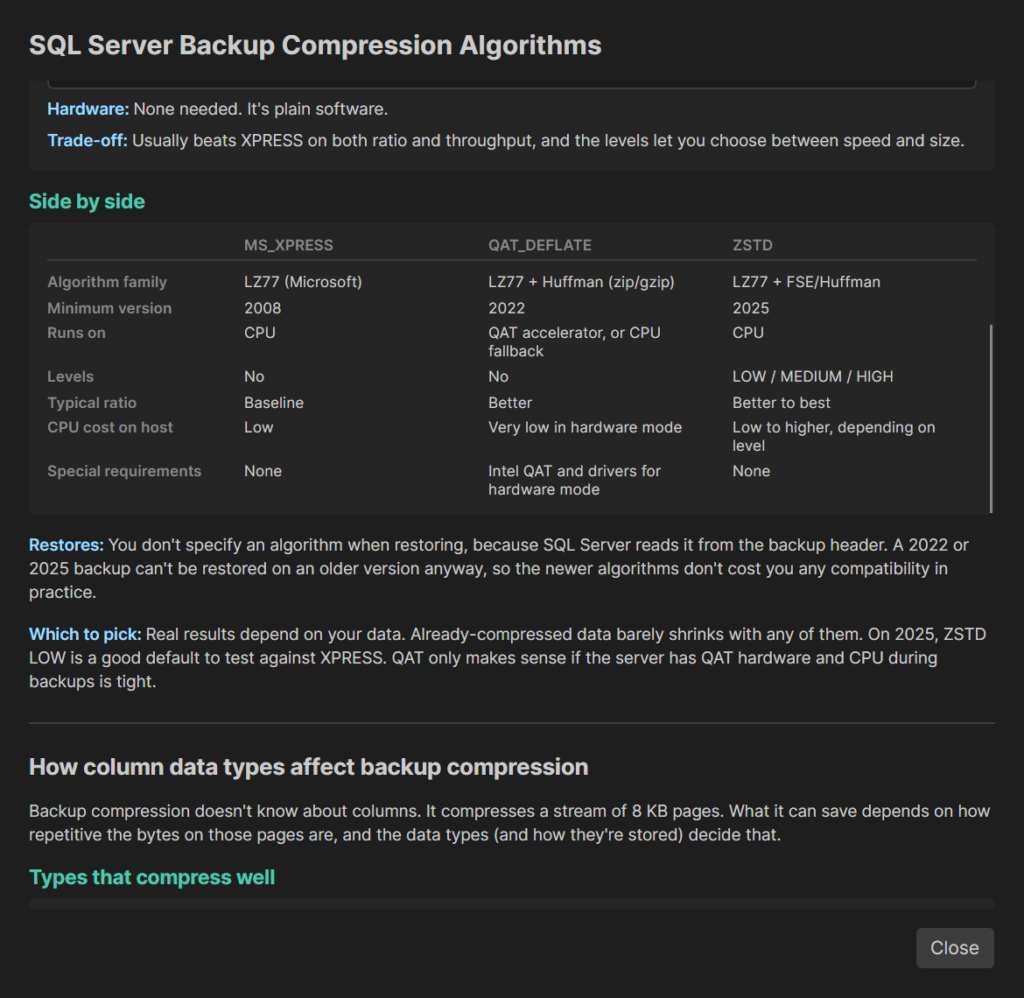
A built-in Info dialog explains how each algorithm actually works — LZ77 basics, QAT hardware offload, and ZSTD’s entropy coding.
…and how column data types and existing storage features (ROW/PAGE compression, columnstore, TDE) change what compression can realistically save.
Running the scenarios gives duration, file size, MB/sec, and space saved (RATIO) for every algorithm in one table.
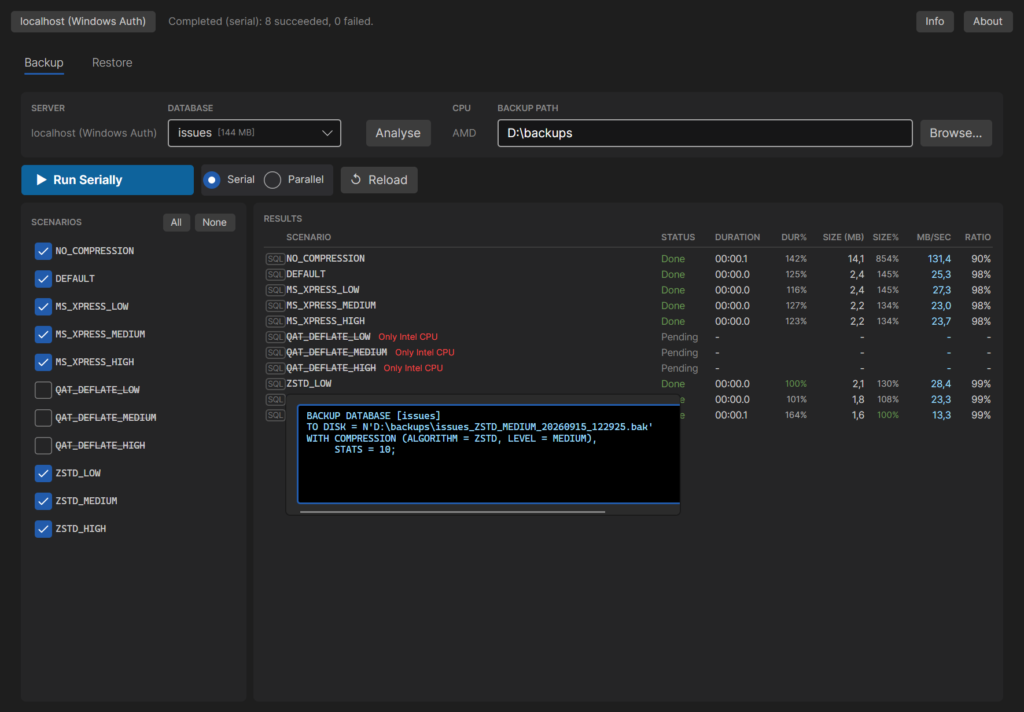
Every row has a flyout with the exact SQL that ran, including WITH COPY_ONLY so benchmark backups never disturb a database’s real backup chain.
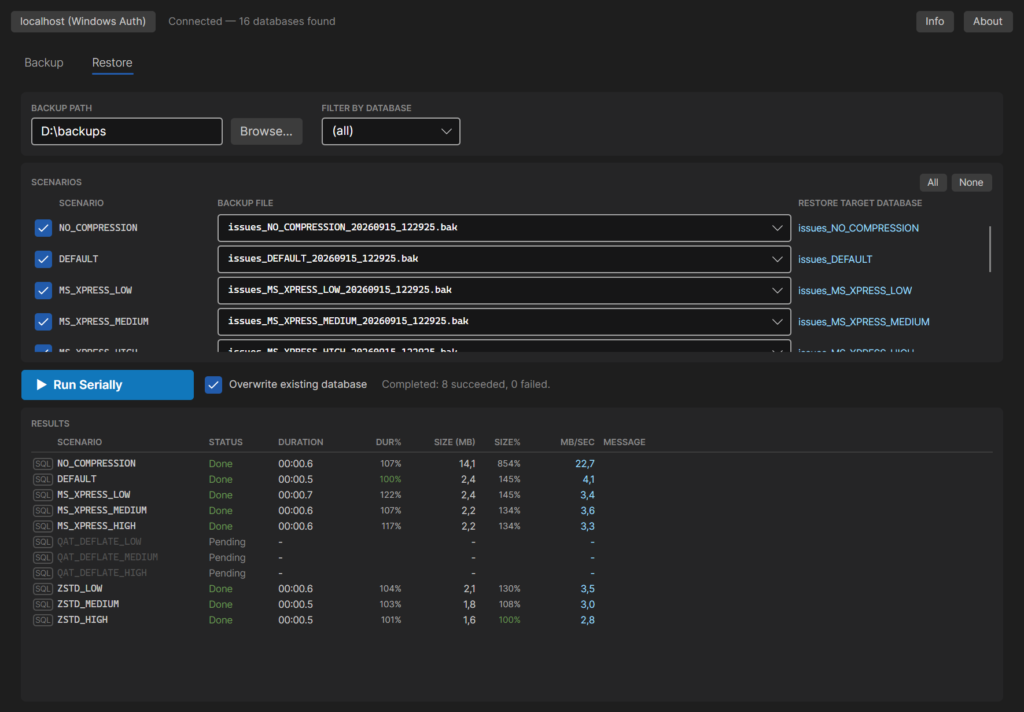
The Restore tab picks up the .bak files per scenario automatically and restores each into its own scratch database.
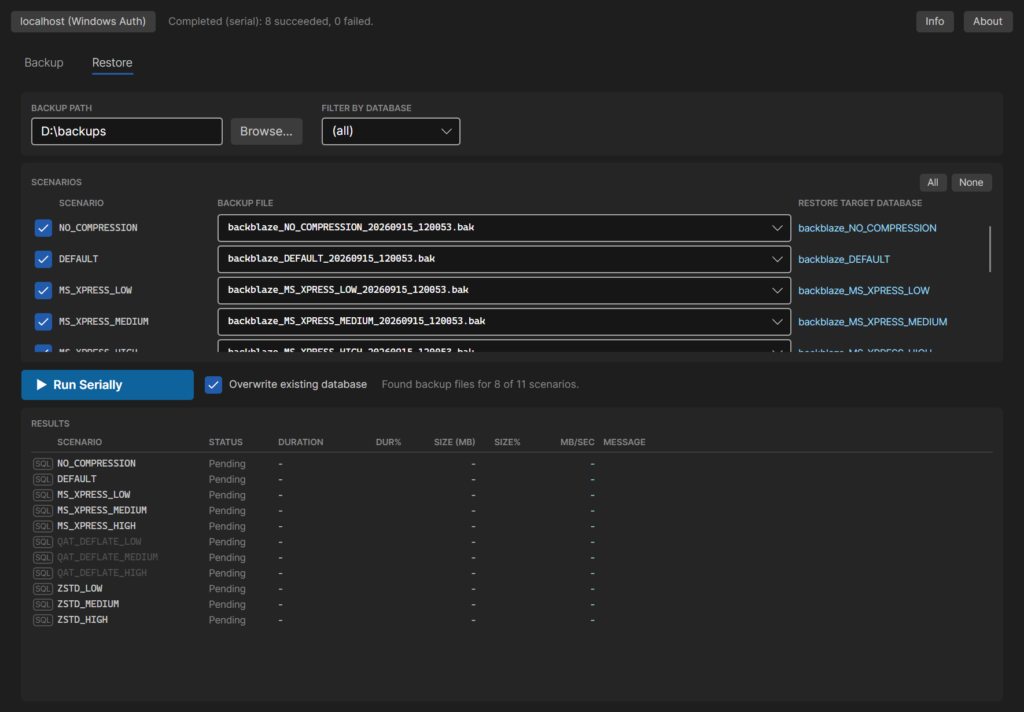
Same idea as the Backup tab — duration and throughput per scenario, so you can see how compression trades off against restore speed.
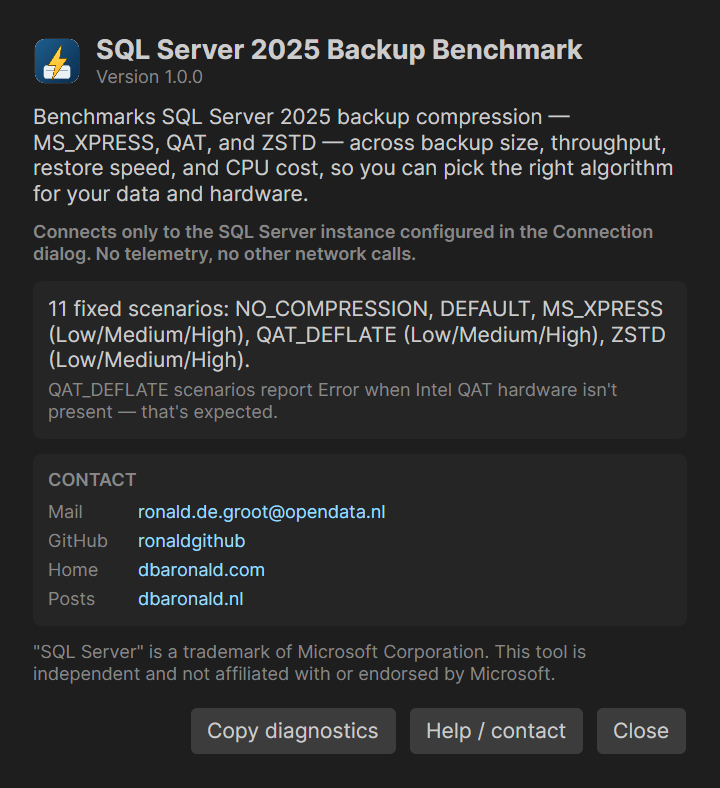
The About dialog has version info and my contact details, if you want to reach out.
Get it: SQLBackupCompression on GitHub — source, or grab the ready-to-run Windows build from the v1.1.0 release.